How to Spend Crypto Online Without Extra Steps
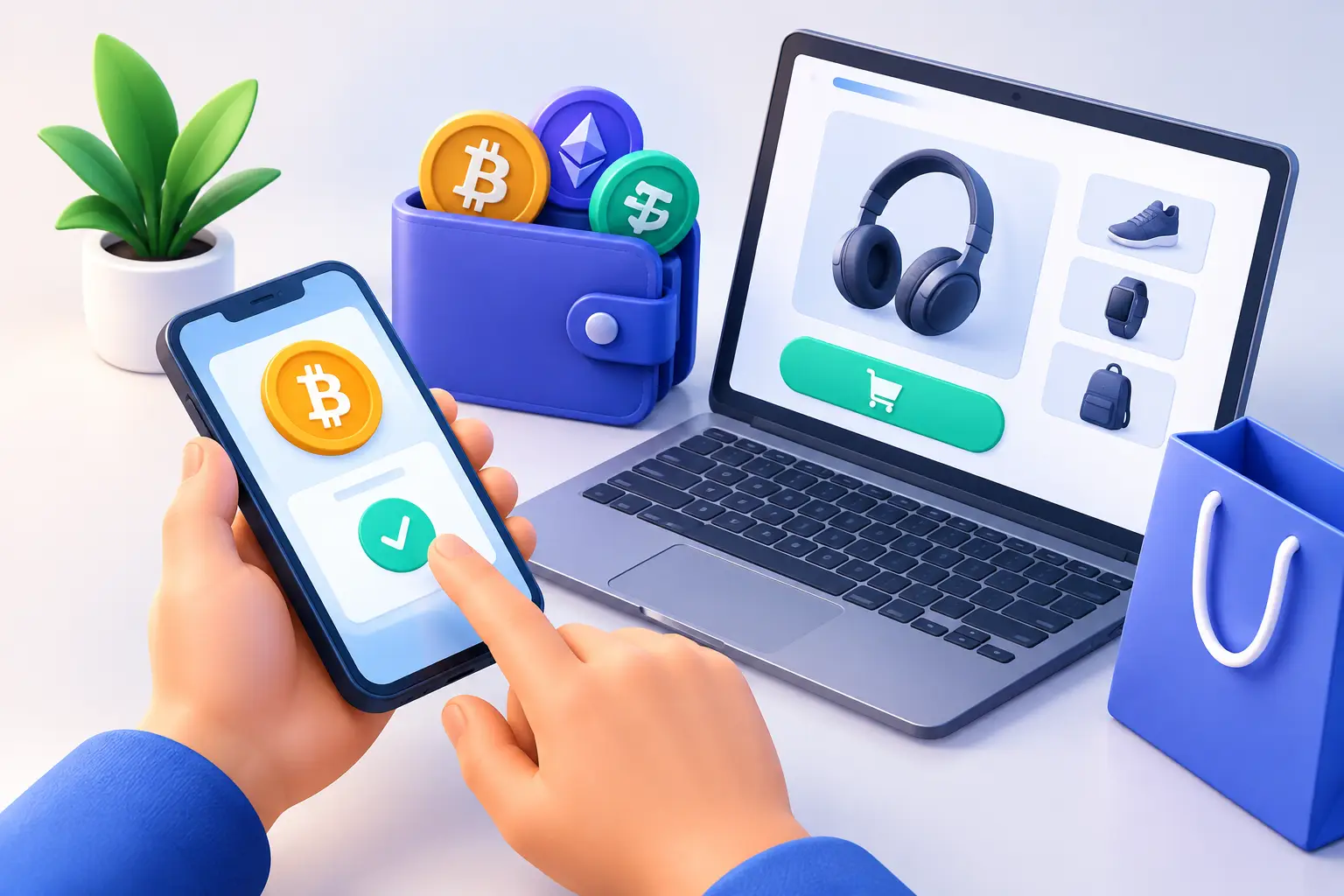
A subscription renewal fails at the wrong moment, an ad account needs funding, or a supplier sends an invoice that cannot wait for a bank transfer. For crypto holders, the question is not whether digital assets have value. It is how to spend crypto online without adding unnecessary conversion steps, exposing more personal data than needed, or losing track of fees.
A crypto-funded virtual card is often the practical answer. It lets you use supported cryptoassets to fund a USD- or EUR-denominated card balance, then pay online where that card network is accepted. The merchant receives a normal card payment. You manage the crypto funding side before checkout.
That distinction matters. You are not asking every merchant to accept BTC, ETH, USDT, USDC, or TRON directly. You are choosing a payment method that fits the way online commerce already works.
How to spend crypto online with a virtual card
The fastest route is to create a virtual card, fund it with the amount you expect to use, and enter its details at checkout like any other payment card. With woocard, card access, balances, transaction activity, controls, funding, and withdrawal actions are managed in Telegram. The card-creation flow is designed to take less than 60 seconds.
Before moving funds, check three things: the card currency, the cryptoasset and network you are using to fund it, and the total cost shown before confirmation. A USD card works well for many global services priced in dollars. A EUR card can reduce avoidable conversion exposure when you regularly pay merchants in euros.
Funding only what you need for the immediate purchase can also be a sensible control. It limits the balance sitting on a card used for recurring subscriptions or unfamiliar merchants. For frequent spending, a larger working balance may be more convenient, but convenience should not replace clear oversight.
Once funded, use the card for digital goods, software, travel bookings, online services, advertising platforms, marketplaces, and other supported online merchants. Keep enough balance for the purchase price plus any applicable currency conversion, authorization hold, tax, or merchant adjustment. A hotel, car rental, or trial subscription can temporarily reserve more than the final charge.
Pick the right funding asset and network
Stablecoins are usually the straightforward choice when your goal is predictable spending power. If a $100 purchase is planned, funding with a dollar-pegged asset can make budgeting easier than funding with BTC or ETH during a volatile market move.
That does not make stablecoins risk-free. Check the supported asset, chain, deposit address, and network fee every time. Sending the correct token on the wrong network can create a recovery problem or a permanent loss, depending on the provider and transaction details. Blockchain transfers are generally irreversible.
BTC, ETH, and TRON can be useful when those are the assets you already hold, but their effective spending value can change before you fund the card. You should also account for on-chain fees and confirmation times. A small purchase may not justify a high network fee during congestion. For a larger payment or a time-sensitive business expense, the trade-off may be acceptable.
Do not treat the card funding amount as a simple exchange-rate calculation. The amount that reaches your spendable card balance can be affected by conversion pricing, provider fees, and network fees. Read the funding screen before confirming. Clear economics beat assumptions.
Use card controls as part of your checkout routine
Virtual cards are useful not only because they convert crypto into card spending capacity. They also give you a separate payment instrument for online activity. That matters if you pay for many services across different accounts, teams, or projects.
Consider assigning cards by purpose: one for recurring software, one for advertising spend, one for travel, and one for one-off purchases. A separate card makes it easier to see where money is going and to react if a merchant bills unexpectedly. If you can hold multiple active cards, you do not need to put every subscription and purchase on a single set of credentials.
For a new merchant, fund close to the purchase amount and review the final transaction afterward. For recurring bills, leave a defined buffer and check the renewal date. If a service is no longer needed, cancel it with the merchant first, then use available card controls to reduce the risk of further charges where applicable.
This is especially useful for free trials. A $1 verification charge, a small authorization, or a temporary hold is not always fraud. Still, it should be visible in your transaction history and understandable from the merchant name. If it is not, investigate quickly.
Know what can stop a payment
A virtual card can make online spending simpler, but it does not override issuer, provider, merchant, or payment-network rules. Some merchants decline prepaid, virtual, foreign-issued, or certain card-program payments. Others require additional verification for high-value orders, travel reservations, gambling-related activity, financial services, or region-restricted products.
A decline is not automatically a card failure. Check whether the available balance covers the full amount, including taxes and holds. Confirm that the merchant supports the card type and currency. Then look for a transaction status or notification before trying again. Repeated attempts can create multiple authorization holds.
Identity verification, sanctions screening, source-of-funds checks, and jurisdiction limits may also apply. woocard is an affiliate interface, not the card issuer. Third-party providers remain responsible for card issuance, eligibility decisions, verification, compliance checks, payment-network requirements, card operations, and program controls.
That role boundary is worth understanding before you fund. A quick card workflow does not mean every user or transaction is exempt from provider rules. If a provider requests information, the outcome depends on its own policies and applicable requirements.
Protect your payment data at checkout
Privacy-conscious spending starts with reducing unnecessary exposure, not assuming that a card makes you anonymous. Reputable merchants may still require an email address, billing information, account verification, delivery details, or tax data. Card providers may need identity information under their compliance obligations.
What you can control is where you enter data and how widely you reuse it. Use the merchant’s official site or app, not a link from an unsolicited message. Check the domain carefully before entering card details. Avoid saving a card on sites you do not expect to use again, and do not share screenshots that reveal the full card number, CVV, balances, or transaction identifiers.
Telegram convenience should not lower your account-security standard. Protect your Telegram account with strong authentication, review active sessions, and treat any request for a seed phrase, private key, one-time code, or card details as suspicious. Support teams do not need your private keys to help with a card question.
Public Wi-Fi adds another layer of risk. If you need to make a high-value purchase, wait for a trusted connection or use a secure mobile network. The extra minute is usually cheaper than cleaning up an account takeover.
Track the full cost, not just the purchase price
The visible checkout total is only one part of the transaction. Your actual cost may include a blockchain network fee, an asset conversion spread or fee, a card funding fee, and potentially a foreign-exchange charge if the merchant bills in a different currency than your card.
For example, a USD virtual card used at a merchant that bills in EUR may trigger a currency conversion under the applicable card program terms. Sometimes the merchant offers to charge you in USD instead. That option, often called dynamic currency conversion, can use an unfavorable merchant-set rate. Compare the displayed terms rather than accepting it automatically.
Keep a simple record of larger payments: crypto amount sent, network fee, card balance received, merchant total, and final settled amount. This is useful for budgeting, refunds, business accounting, and spotting discrepancies. It also gives you a cleaner picture of whether a particular asset, network, or card currency is economical for your spending pattern.
For active users, published loading capacity matters too. High limits can support meaningful operating expenses, but they do not remove the need to plan transfers, retain records, or account for provider review. A monthly load limit of up to $200,000 may be useful for a business operator, while a casual shopper may value small, controlled top-ups more.
The best way to spend crypto online is usually the least dramatic one: fund the right card, see every cost before confirming, pay only through merchants you trust, and keep enough control to stop a problem before it becomes an expensive one.