The App Experience
Your crypto card. Ready in Telegram.
Explore an illustrated card journey for visitors: name a card, view its details, and see the funding flow. This is not a live account or card application. Crypto funding is screened for sanctions, AML risks and links to illicit activity. Access and card operations depend on the applicable provider terms.
woocard is a brand, marketing and customer-acquisition partner and is not the provider or issuer of cards.
Before you open Telegram
- Funding options include BTC, ETH, USDT and USDC. Confirm the supported asset and network before transferring crypto to your woocard wallet.
- Use your wallet balance to cover card issuance, then top up the issued card with the amount you plan to spend. Your card details are available in Telegram.
- The minimum top-up is set by the provider. The USD top-up fee is 2.8%, and an additional fixed 1 USDT fee may apply. Network fees may also apply. Review the provider quote before funding.
- Eligibility, geographic availability, crypto screening for sanctions and AML risks, and card operations are controlled by the service provider under its current terms.
Your card journey in Telegram.
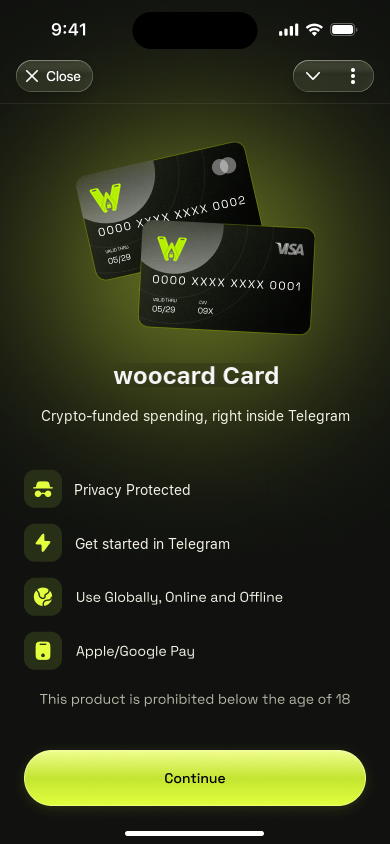
Open the app
Open woocard in Telegram.
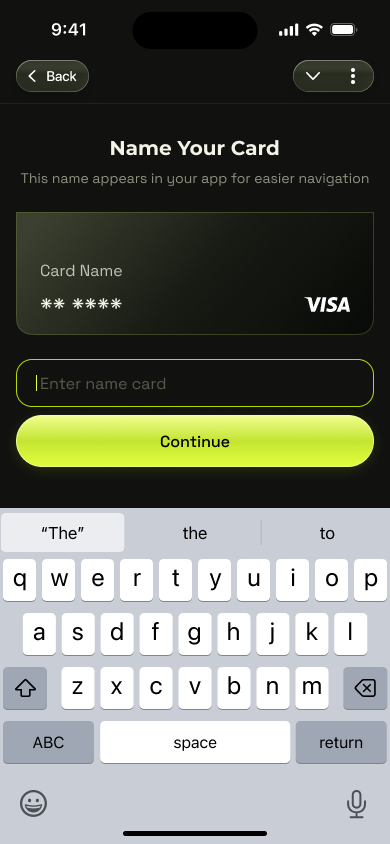
Name your card
Give your card a name.
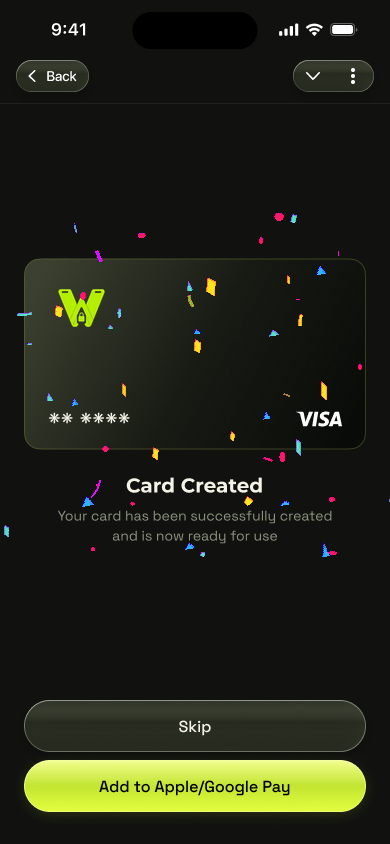
Your card is ready
See confirmation when your card is created.
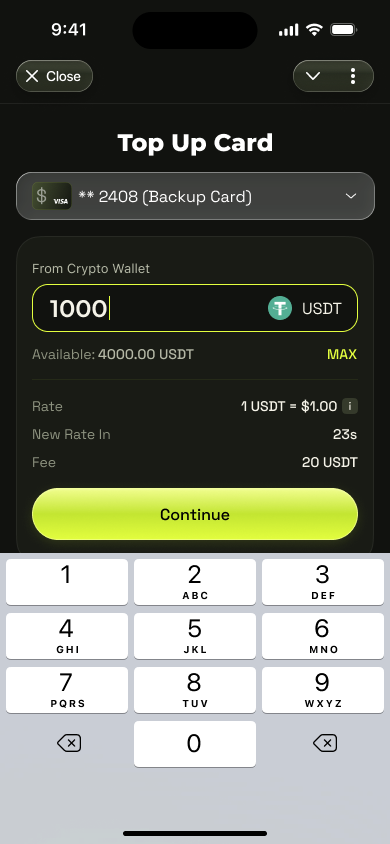
Top up your card
Choose how much to add to your card.
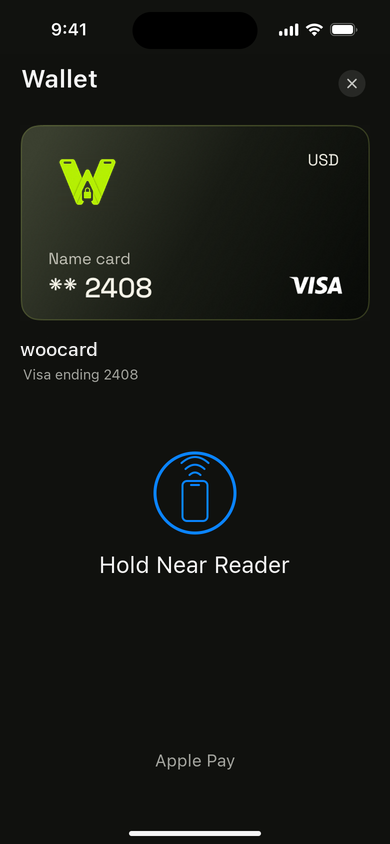
Start spending
Add your eligible card to Apple Wallet and tap to pay.


The card journey, explained.
Preview card requests, funding and controls. Actual availability and activation depend on the provider.
Name a card
Give a requested card a name to help identify it. Creation and activation depend on provider approval and current terms.
Review funding
The top-up screen illustrates amount entry. Confirm the supported asset, network, fees, and provider quote before funding.
View transactions
The management screen shows a balance and transaction list. Displayed figures are examples, not an account or performance claim.
Find card actions
Explore Top Up, Details, and More in the illustrated management screen. Available actions and limits are governed by the provider.
Launch the app.
Start the bot and get your virtual card.